It's been a little while since I've updated my blog since things have been so busy at work. Unfortunately I have been unable to work on R&J as much as I would have liked, but I've enjoyed it while I had the time to sit down. These simulations are based off of Phil's animation for the dream/queen mab piece of music.
I used CV curves to extrude along, and then converted the NURBS object into a polygon mesh so I could then turn it into a mesh light. I created an animated colour spectrum in AE that was driven by the music that I could then plug into the colour channel of the light. These curves are created using dream data that Ethan used to create various elements for this project.
Things have been a bit crazy and busy juggling my new job at The Flying Colour Company, work as a UCA Ambassador and work on Romeo & Juliet. However, I finally had some time to properly put together some things I've been working on. For these tests I wanted to try changing the 'mood' of these shots a little bit since we will have different pieces of music from the sounds of it, so instead of pastel colours I went for dark shadows and bright red spines/cones.
The first experiment was a bit odd, but I thought it looked interesting...I much prefer the second test though. I may try duplicating the cones and flipping one upside down so it resembles stalagmites/stalactites. I like how it looks more hostile and alien, which may suite darker portions of music depending on the final clip selections. I think it's good to have a variety for now at least until things become more solidified!
It's been a crazy couple of weeks involving New Designers, job interviews, and travelling. While it's been somewhat overwhelming I'm very happy and excited to get back into being creative and artistic. This summer I am going to be working on another instalment of CAA and ONE - this project being 'Romeo & Juliet'. Like 'Red & The Kingdom of Sound'...Romeo & Juliet is a production revolving around classical music. However, this is very different from Red. For more information please visit this blog post.
My job for this project is to receive simulations from Ethan Shilling and texture, light, and frame them in interesting/beautiful ways. Here are a few of my initial tests using a simulation provided to me. The first test I combined several aiStandardSurface presets and created a sky dome light.
I decided to render out an animation to see how the texture would look while it was moving. I wanted to see what I could do to add some variety to the colour so I added a Hue/Saturation effect and animated it. This first colour animation test is not driven by the music, it is purely to see what it would look like.
Afterwards, however, I did some research into how to attach different effects and attributes to audio in After Effects. I first used Keyframe Assistant to convert the audio waves into keyframes and then I played around with smoothing them a little. I then created an adjustment layer and added a Color Balance effect to it. From here I created an expression on the 'hue' setting of the Color Balance effect and attached it to the audio keyframes. The effect at first was too subtle to make any change, so I stretched out the keyframes so there was a more noticeable change.
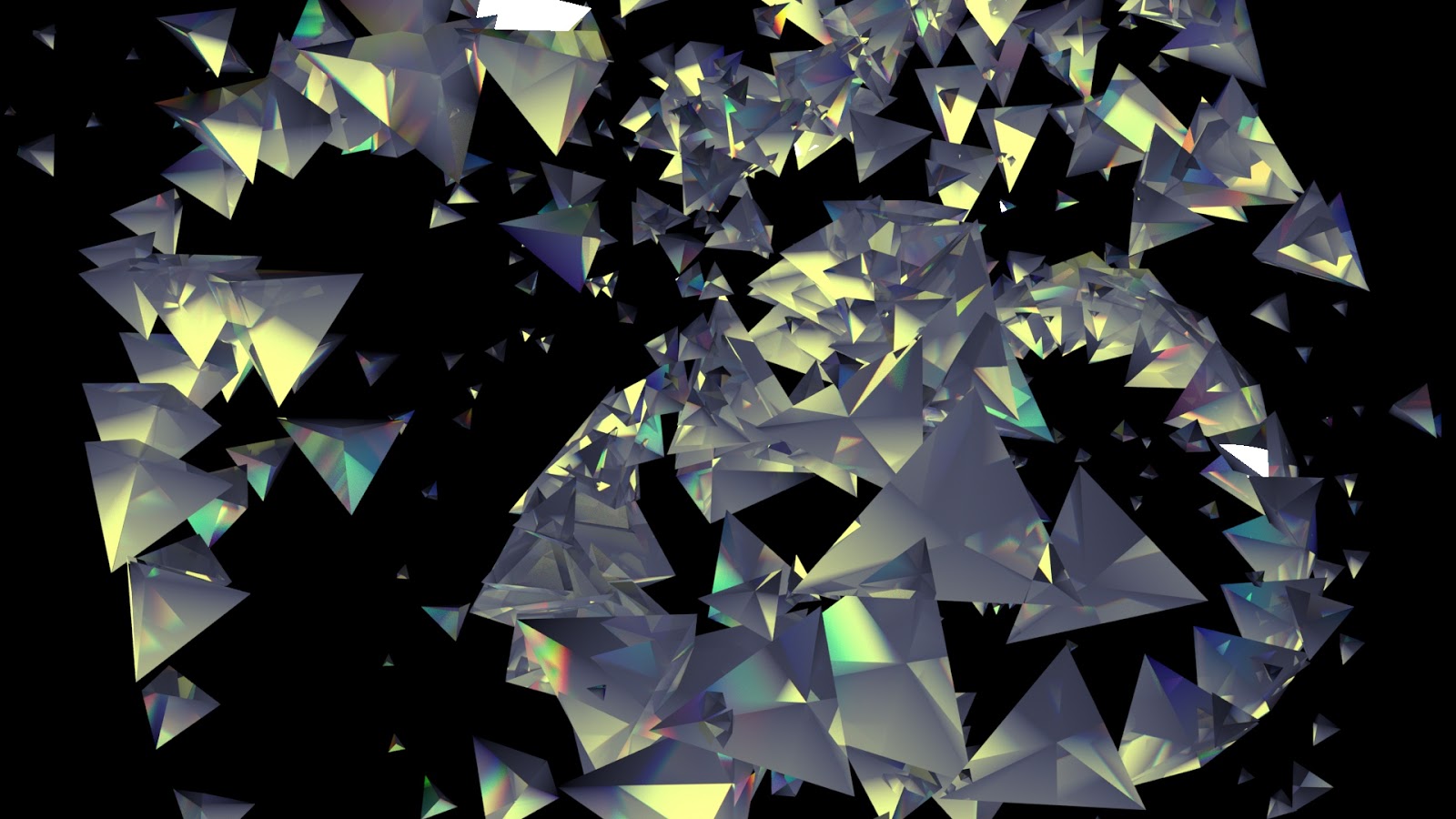
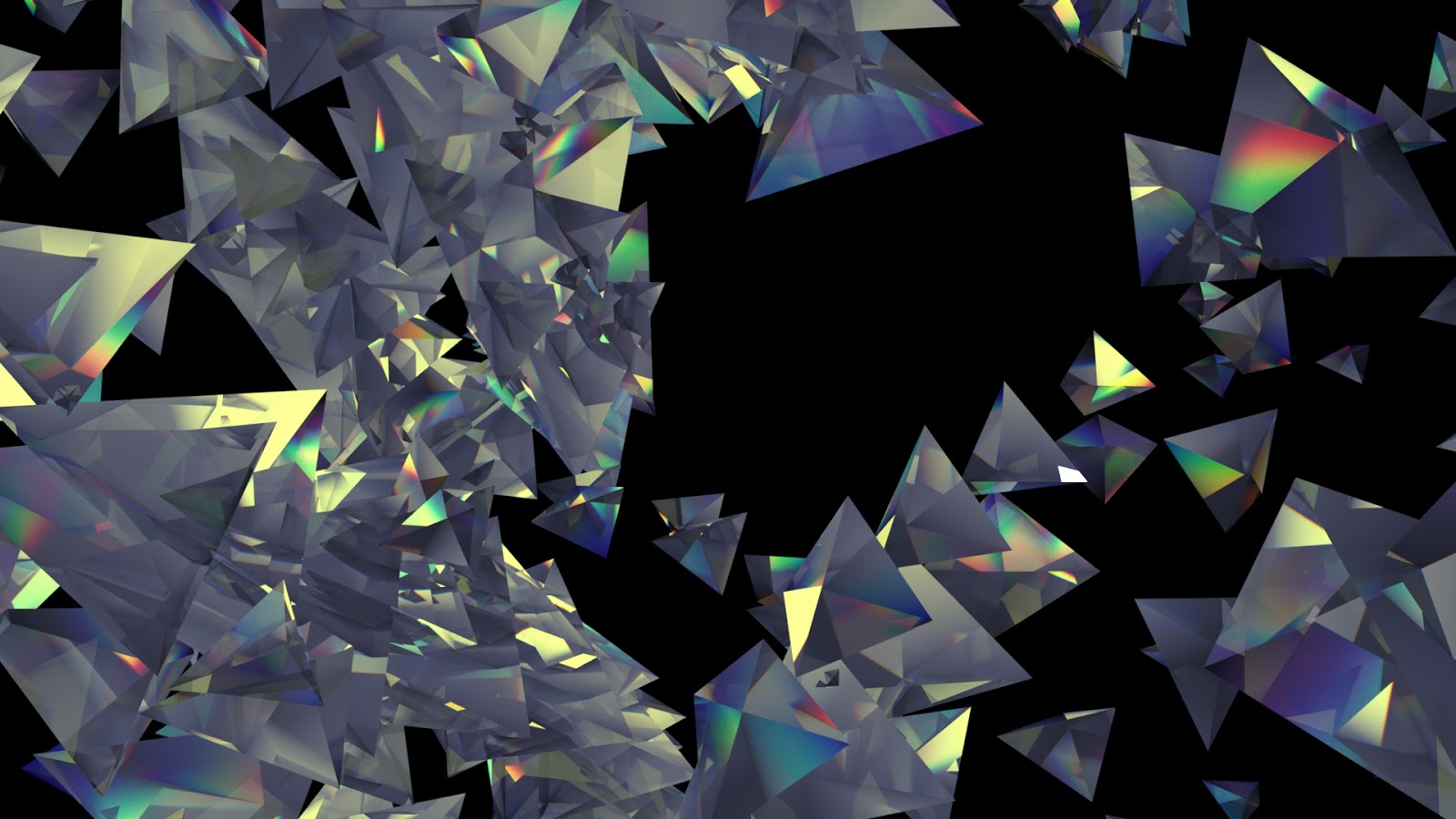
For my next set of tests I decided to attempt to turn all of the triangle shapes into individual prisms so they would hopefully give off rainbow reflections. I did this by using a glass preset and adjusting a couple of the settings. For these renders I also used a directional light and I later on played around with the audio-driven color balance effect in After Effects.
For the third test I created a brushed copper/gold texture and alternated between using area lights and spot lights. I also created an aiAtmosphereVolume for this test to create some light ray effects. After some feedback I created a test animation that was closer up to the geometry rather than in the distance. I really like how this came out and I imagine it'd look better with some depth of field blurring as well as some motion blurring.
Here is the updated shot for my meat entity. I've changed it so it appears to be a little more shiny/slimy and there is a subtle pulse animation as well. This was quite tricky to put together since I decided to render out just the orb to decrease render time in order to have this ready for New Designers.
It caused me some trouble at the compositing stage because of this, but I managed to sort it out. My final edit for New Designers is now just rendering out and should be ready in time. I'm admittedly not too happy with myself that this is so last minute...but I should have everything ready.
Here is the final composite of my tweaked 'rotting' shot. There is a very subtle 'pulse' animation and I also tried making it look more shiny/slimy. I'm attempting to render out my other meat shot without the room in the hopes that I can composite it on top of the original render like what I did for my 'silk' composite.
I'm unsure if this will work, but if it does I should have it done in time for New Designers due to the decreased render times. If not, then it will not be the end of the world because I think having the subtle animation added to this shot is more important and benefits it greatly as it takes up the whole frame.
Once I had a gap of free time, I decided I wanted to experiment with ways I could possibly enhance my meat entity based on feedback I received on my project. I'm unsure if I will or can implement these changes for New Designers as that depends on feedback to these tests as well as if I can get Conductor working...but even if they are possible tweaks for the future overall I wanted to do some experimenting.
I want to do a low quality test render of both the 'meat' shot as well as the 'rotting' shot just to be sure I'm not using up money unnecessarily. To create this animation I brought the height map into After Effects and created an Adjustment Layer with a 'Brightness/Contrast' effect applied. I then created a mask, changed some of the settings and animated it so it moved down the orb (#1).
I felt #2 was too subtle but for #3 I created two animated layers so I could have more of a gradient. For #3 I also decided to tweak the coat and specularity settings so it appears more slimy like it does in the 'rotting' shot. Out of these three tests I like #3 the most.
I've been working on tweaking the sound design and VFX in my film. One thing that was suggested to me was to interrupt the sponge scene since it's quite a slow-moving shot which makes it not feel as hostile as it should/could be.
I created five different variations, each one having heavier interruptions/distortions. The first video only has the static shot interrupting the sponge, then I add on layers of meat, autumn leaves (the road shot), needles, and 'unbearably cold' in addition to more glitch effects. The reason why I have uploaded via YouTube this time is because I've been uploading a lot to Vimeo and I want to ensure I have enough space left in my upload quota to upload my final film.
I now have my updated silk composite. I'm much happier with how this looks now, although I may go back and tweak some of the levels in After Effects. I struggled at first to incorporate the new silk into the scene since I rendered it out on it's own so I could composite it on top of the original render.
This created a noticeable outline around the silk, so I created a light wrap to make this outline less obvious. After some trial and error I think I managed to get the light wrap to work well enough to make the new silk fit into the scene better.
Here is my second edit for my film. I'm trying to create a final edit as fast as I can so my music composer can re-adjust the music he's created for the film so the timing is right. I want to give him enough time to re-write parts if needed and to give me time to really focus on VFX and sound design especially in regards to the whispers. Some changes I made to this edit include:
The removal of the line when I see hospitals I see ghouls.
New footage for the lines when I think of my family I see scars and being Anorexic is rotting.
Disordered whispers added to the opening sequence (may move later on as it's a test).
The gem scene has been extended and voiceover moved to make room for disordered whispers.
Voiceover for certain shots moved so they begin before the shot begins.
Shots overall have been adjusted - for example an shot was moved to add more space between when I see jello I see vomit and when I see pancakes I see my grandfather.
For the line when I see other people's bodies I see rejection a black screen cuts into the film. A louder ringing noise will be added later on as it will cut out audio too.
Some transitions have changed, but this can still be adjusted later on.
Room shot 006 (third shot of the edit - the one right before pufferfish) has been adjusted/re-rendered.
The brick shot in the beginning of the film has been removed so the first few shots of the film focus on the room rather than the bricks.
Some shots have been shortened slightly to keep the duration as close to 7 minutes as possible.
This version contains re-composited footage so colour correction is more consistent and the vignette, film grain, and edge blurring can be added overtop the whole film so it's cohesive (added on very roughly at the moment).
I'm happy with how this is turning out, although I am obviously ready to make more adjustments if needed. Once the shots and voiceover are at a point where positions/durations are locked down, I'll be able to hand an edit off to my composer for final music which I'm very excited about. The glitch effects, transitions and other VFX can continue to be adjusted for the most part and the voiceover will still have some wiggle room with timing.
Despite having a few minor setbacks over the last couple of days, I have my two new shots for rotting and scars completed. I also finished rendering the room 006 shot so the camera slows down near the end instead of speeding up. Hopefully this change is an improvement, if it still needs some tweaks I can work on it but I think it's better than it was before.
I'm happy with how rotting and scars came out, I'm glad I spent some extra time making the meat entity look extra slimy in this shot since it's meant to induce feelings of disgust and illness. I think the new 'scars' shot is stronger than the room shot I originally had.
Rotting Composite (Pt. 1)
Rotting Composite (Pt. 2)
Scars Composite
Room 006 Composite (V. 2)
Today I also spent some time in the sound booth recording whispers of a range of my negative thoughts, or disordered thoughts as I tend to call them. I also recorded a number of things people tend to say to me that frustrate me. This varies from things people say when they think they are being supportive, general comments that showcase how uneducated most people are in regards to mental illness, or the lack of empathy people have in regards to mental health at times.
In the next few days I should have some Audition tests using these recordings to see how I can create 'whisper soundscapes' to use in conjunction with certain entities. I also hope to have an overall new edit of my film with new shots and other changes in accordance to the feedback I recieved at some point this weekend or early next week.
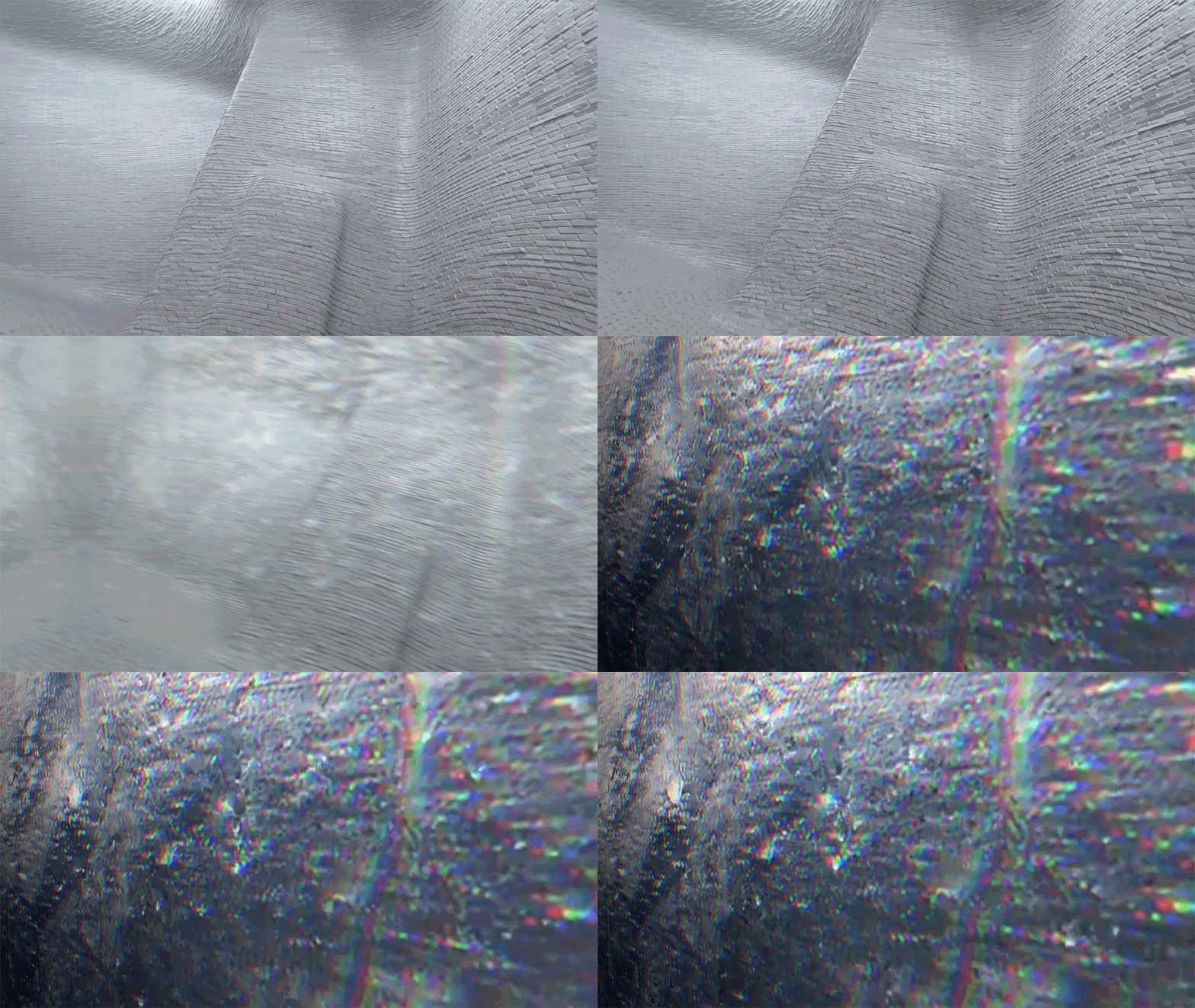
As I was creating the first edit of my film, I decided I wanted to create another shot that focused specifically on the bricks so I had some more variation. I thought it would be interesting to film the bricks that bend upward to form the bed. I really like how this shot looks, especially when you see beyond the top of the bed.
Brick 003
Brick 003
I also decided to render another 4 seconds worth of my gem shot after it's spiked outward. I'm unsure if this footage will be useful, but I wanted some extra frames just in case since I feel this scene is one of the more powerful ones. Unfortunately, despite my efforts to get them to transition perfectly there's a little bit of a jump. There was also a slight variation in the lighting even though I used the same scene file. Due to this, I also uploaded a version of the shot with glitch effects to show how I could hide this using VFX. Even though it's not perfect, I'm glad I rendered these extra frames out if I decide I want them...luckily this shot has glitch effects to it anyway.
Gem Composite w/ Glitch Effect
Gem Composite w/ Glitch Effect
I've also begun re-compositing my scenes since I want to ensure it is as consistent as possible with the colour and lighting. I also wanted to remove the vignette effect, blurred edges, and film grain so I can add that overtop the whole edit to further glue the film together and make it cohesive. I re-composited my Opening/Closing shot first, and I've been using that as reference for the other shots. I know they won't be perfect and I can continue to change and correct things, but I think the shots are already feeling more uniform.
The last two days I've been working the first 'edit' of my film. I didn't feel like I could keep calling it a pre-vis since it has all of my final footage in it. In this initial edit, I experimented using glitch effects as transitions, although at the moment they do not have sound effects to accompany them so they may not feel as integrated as they will further down the line. I also tried to keep in some other transitions (ex. dip to white on the rare occasion or a straight cut where there is a light flicker) so it wasn't all the same and I alternated what type of glitch effect I used to transition so it wasn't repetitive. Here are some things I've noticed immediately that I want to change or things I'm wondering/want to be cautious of:
Overusing the 'glitch' effect - I try to use the effect only when transitioning between CGI and live action as well as occasionally during a very negative entity. I want to be careful I'm not overusing the effect therefore weakening its impact. Or, I also don't want to use it too little where it doesn't feel like it 'fits' in the film.
Re-compositing of shots is needed. I want to go back and strip out certain effects such as the vignetting and film grain so I can overlay that on top of the entire edit rather than individual shots. I noticed that during some transitions the dark vignette ring appears and it looks odd. I also hope doing this will help glue the shots together and will also allow me to animate the vignetting during the VFX stage if I want to bring attention to something (ex. focus on the bubbles and not the background) while keeping it all unified. I think this also will help merge the live-action into the rest of the film. I also want to make the overall colour correction more uniform throughout.
Some room/flicker shots I want to move around. For example, I think I may move a shot where the light is flaring to where my grandfather's footage comes in so it feels less aggressive and to add more variation too that part of the film.
I tried to keep a 'dip to white' effect as transitions for certain shots such as when I see hospitals I feel dead. Would effects such as RGB splitting be effective here?
I'm rendering out an additional shot that focuses on the bricks to give some more variation as well as a few extra frames of the gem shot so I have a few more seconds of the gem once it has spiked out if I decide it would be useful.
I may remove the VR digital glitch effect from the footage I use during when I think of my family I feel longing and I may have that glitch effect disappear from the first shot I use around when I think of happiness I see autumn leaves to show that those are positive feelings.
Some live-action shots still need some more re-filming work to make them feel more 3D.
I'm sure there are other things I want to change but I cannot remember off the top of my head what I wrote down in my notebook yesterday during editing. While I'd love to add some more shots to space certain parts of my film out more, I'm trying to not increase the duration of my film too much until I know what the music will be like and where/if I can extend the music.
This still requires a lot of work and changes, but I feel more comfortable with where this is going seeing how I can integrate the live-action into the CGI space. Also after this test I'm excited to see how the sound effects will further embed the glitch transitioning effects and bring the entities to life, although I do think I may reserve the removal of other audio/music effect for just the gem to indicate it's importance and sinister character.
The Video Copilot 'Twitch' plug-in also comes with a handful of glitch sound effects. I've also been shuffling through some of the BBC Sound FX Library CD's from the university's library. Out of all the CD's I've looked through I suspect the 'Hospitals' one will be the most useful to me although I suspect I'll be using bits and pieces from several discs. However, I need to double check what the copyright is on these CD's as I don't want to get in trouble for using them in my final film if I'm not allowed to.
Glitch Test 007 - Custom Settings
The above animations feature both VFX and SFX - I used several glitch sounds from the Twitch plug-in as well as a a pulse monitor sound clip from the BBC Sound FX Library. I took the pulse monitor sound effect into Audition and increased the pitch as I felt it was too low originally.
For the first test I have only the heart monitor audio after the gem spikes outward, while in the second one I have extra glitch sounds where appropriate. I want to be sure that I utilise silence and minimal sound in my animation where it would be most effective. I do plan on testing out some crystal-like sounds for this scene as well in the future, this is just a basic early test. I'm looking forward to playing more with sound especially when I begin getting bits of music.
Today I spent some time working with the Video Copilot plug-in 'Twitch'. This plugin helps streamline the process of creating glitch effects and while it contains some presets, you do not get good results for free. Even when testing out some of the presets I often had to re-work them with some custom settings. I found if I did not spend time going in and tweaking the settings, the results were far too extreme or bizarre...but it gave me a good starting point.
Also to note - the footage I used for these tests may not be the final clips (for example - my grandfather's clip), I'm just using my pre-vis to experiment with. Some of the tests below showcase the presets with some tweaks I've made to tone them down and apply them to the shots better.
Glitch Test 001 - Custom Settings
Glitch Test 002 - Color Tearing Preset
Glitch 003 Test - Crazy Man Preset
Video Copilot Twitch Plug-in
This plug-in is a large time saver as it takes all of the settings I would have needed to create good glitch effects and organises them in a more intuitive manner rather than me creating them by creating several pre-compositions and layers. I can choose what aspects of the glitch I want - including blurring, colour/tint, light/brightness, movement of the footage (slide or scale), and time (so the footage jumps forward or backward making it appear jittery). There are also more effects are under different categories, such as RGB splitting under 'slide' - an effect that I think works well for certain shots in my film to bring some colour into the sterile white space.
Glitch Test 004 - Side Swiped Preset
Glitch Test 005 - Bloom Preset
Glitch Test 006 - 360 Spin Preset
I've really enjoyed playing with this so far and I think it will give me really creative and dynamic methods for transitioning between shots in addition to my light flickers. I think it will also be effective for adding greater distortion to more 'disordered' entities in combination with other effects. I look forward to testing this out some more to see what I can do with it.